Assemble
Bring your saved character models, modular parts and existing animation clips into a connected setup.
UNITY EDITOR TOOLS / RTS ENTITIES
Build a character, set up its animations and equip a whole unit—all from one organized Unity Editor window.
01 / THE WORKSPACE
Keep appearance, armor, weapons, material colors and animation preview beside the character you’re creating. Then turn the setup into a reusable ECS unit.
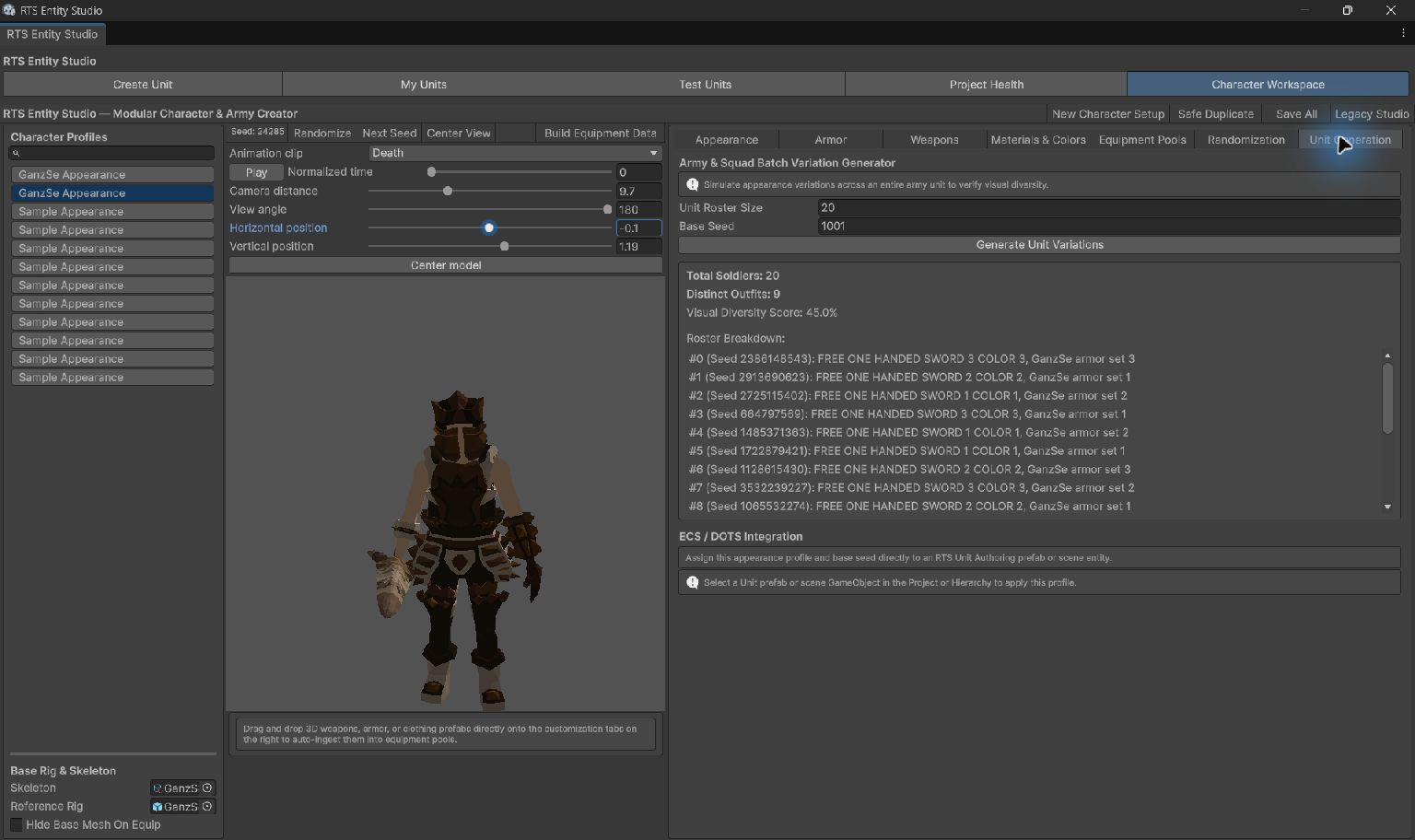
Bring your saved character models, modular parts and existing animation clips into a connected setup.
Configure visual modules and animation actions. Preview the equipped character as you work.
Create reusable authoring prefabs and an editable SubScene test. Inspect live members and presentation.
02 / BUILT-IN VARIATION
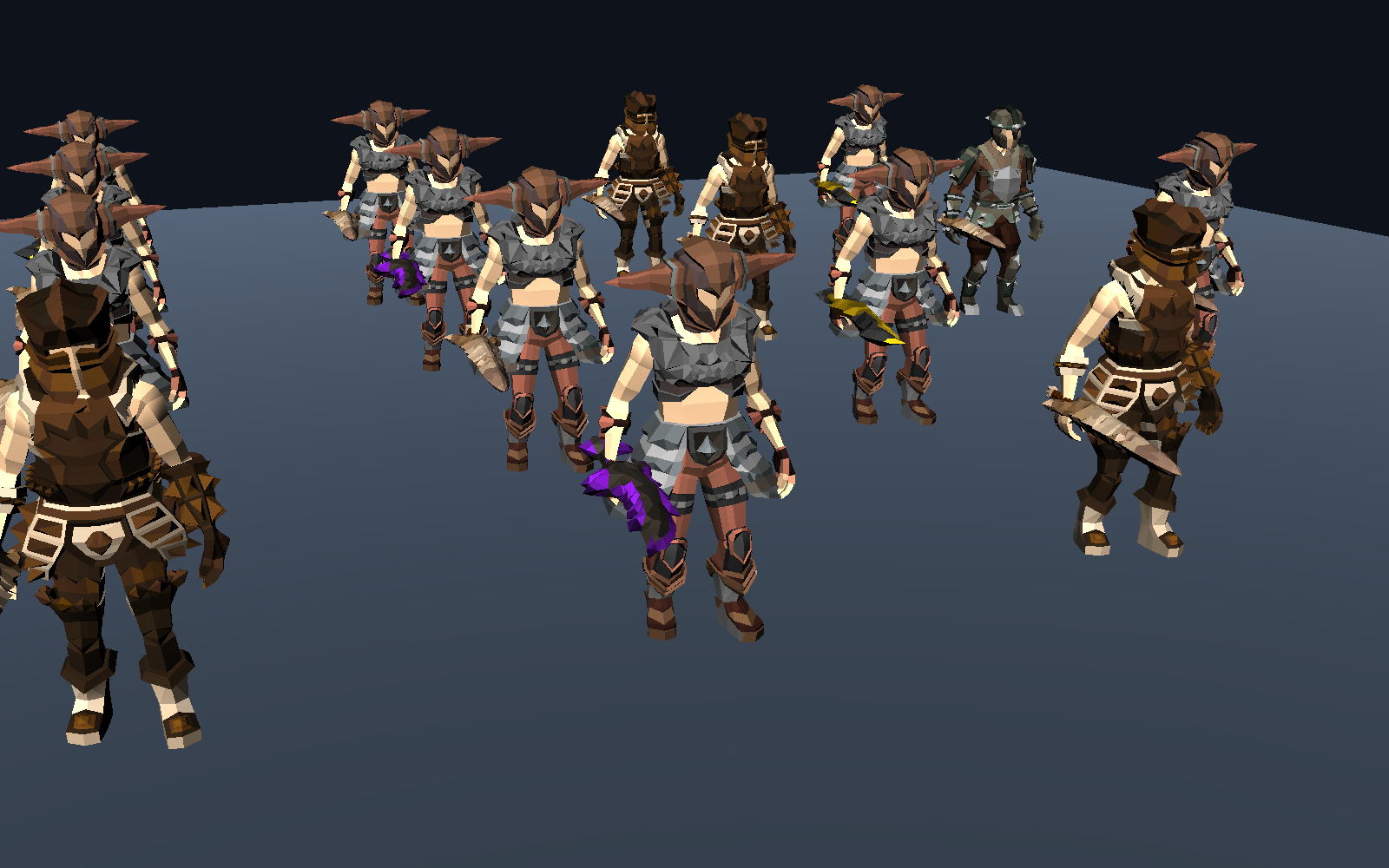
One definition doesn’t have to mean one repeated look.
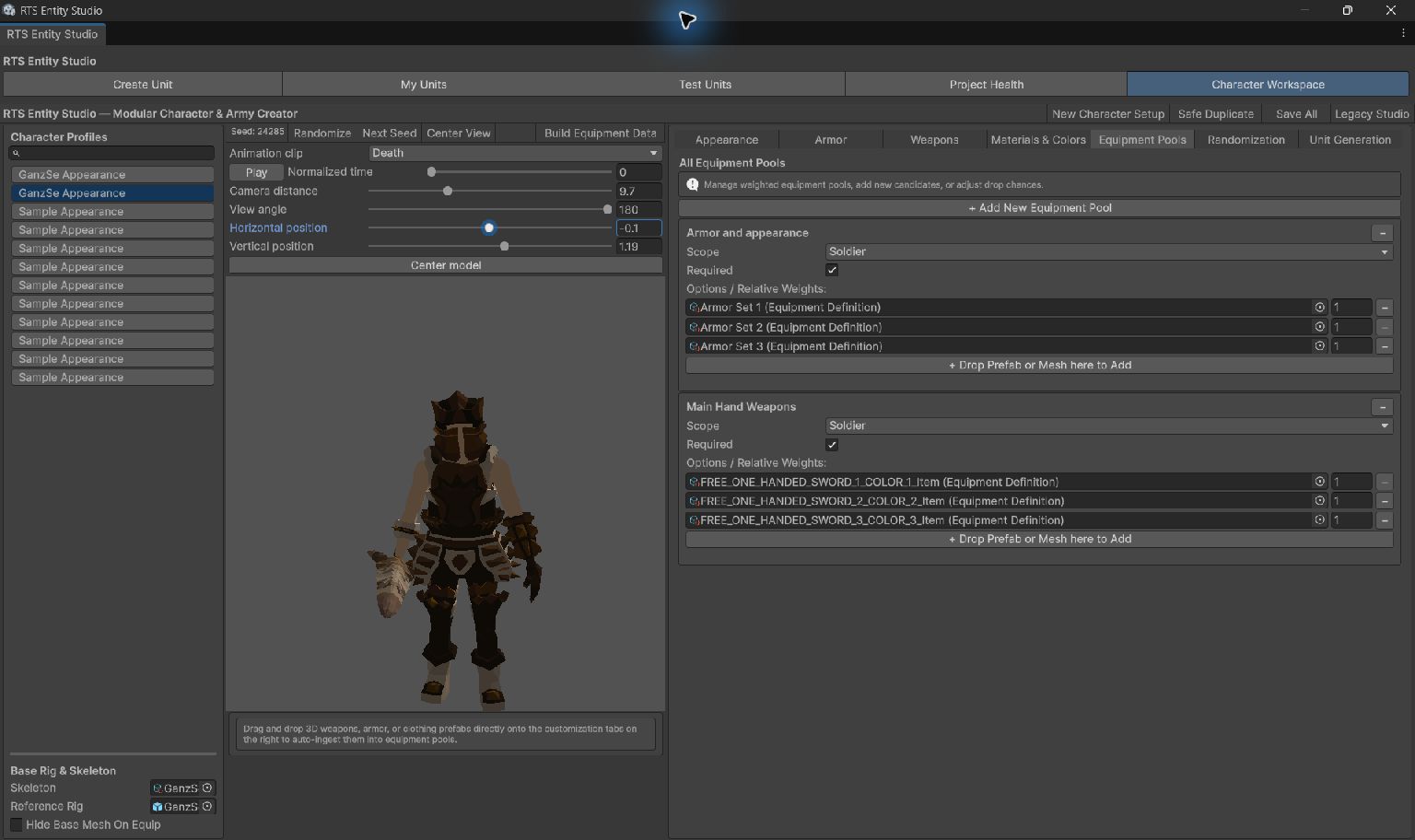
Choose armor, appearance and weapons from weighted pools. Seeded selection gives members different combinations and lets you reproduce a roster when you need to.
Combinations can repeat. Diversity depends on your available assets and pool settings.
03 / YOUR GAME, YOUR SYSTEMS
RTS Entities handles authoring and visual presentation. Your movement, combat, commands and formations stay under your control.
Columns and spacing arrange actors in the test scene. They don’t lock your game into a formation system. Attach custom authoring components and connect your own ECS systems.
The original procedural sample includes a simple animated panel rig and an equipment attachment. You can try the workflow without downloading a character pack.
Start with the sample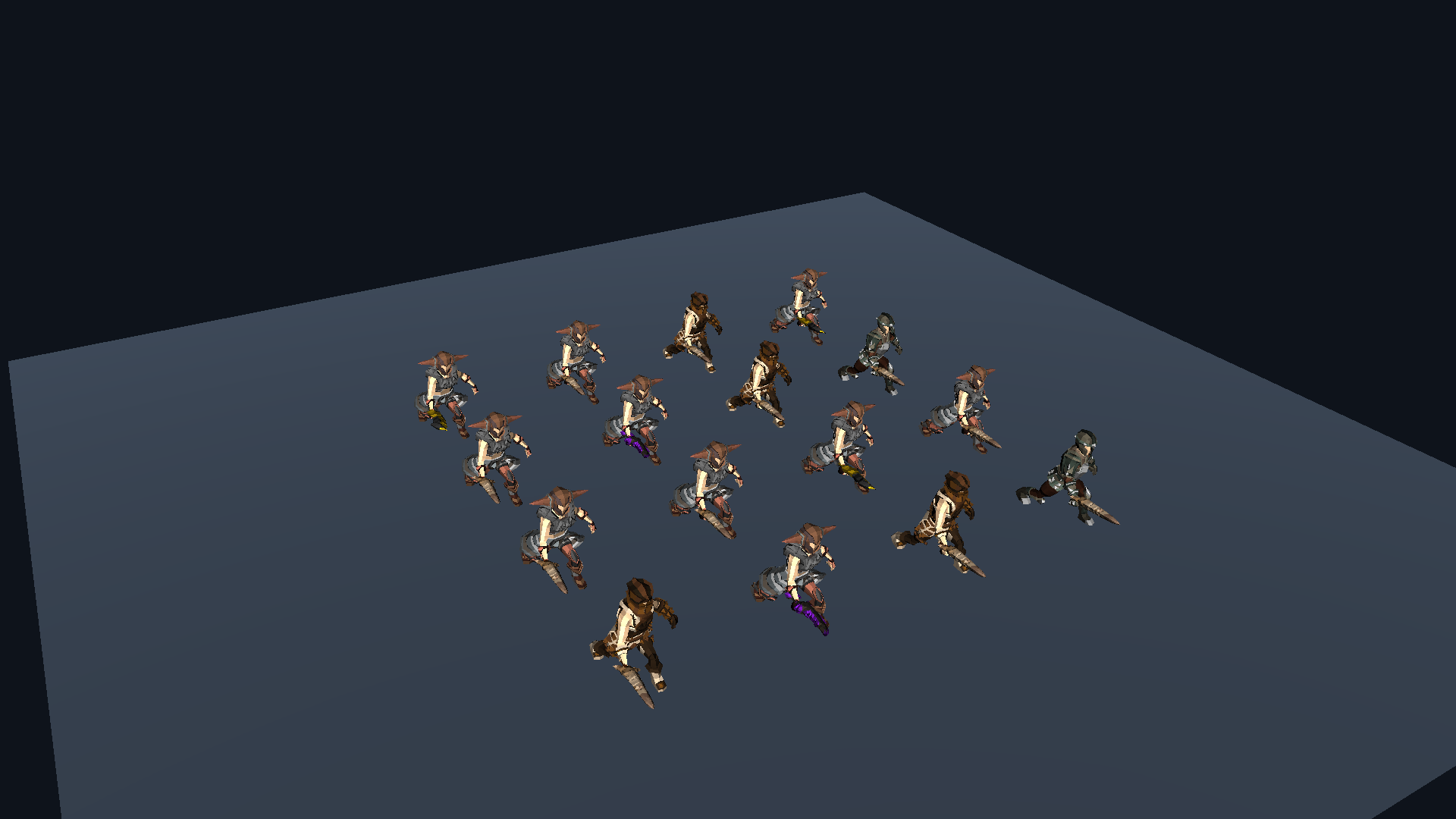
BEFORE YOU BUILD
Unity 6000.6.4f1 · Windows / Direct3D 11 · URP 17.6 Forward+ · Entities and Entities Graphics 6.6.0. Compute shader support is required.
Use supplied models, modular parts and clips. Mesh modeling, automatic rigging, motion generation and gameplay systems are outside the workflow. The included GPU shader supports opaque base texture and tint; more complex material behavior needs custom integration.
Full requirements & integration notesDemonstration captures use GanzSe FREE Modular Character / FREE Weapons and Kevin Iglesias Human Basic Motions FREE / Human Melee Animations FREE. These third-party packs are shown to demonstrate the workflow and are not bundled with RTS Entities.
REDSHED / CONTACT